
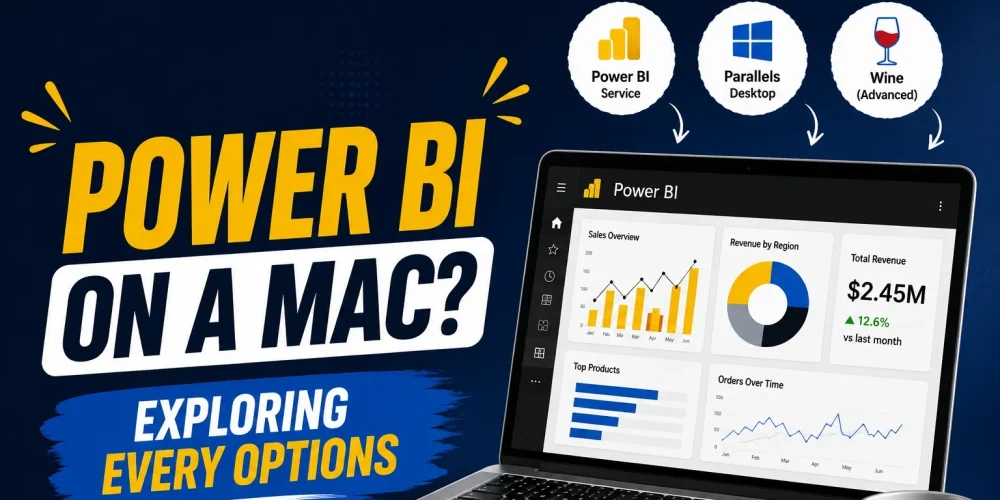
If you’re a Mac user interested in data analytics, you’ve probably asked yourself, does Power BI work on Mac? It’s one of the most common questions among students, business analysts, and professionals who prefer Apple’s ecosystem but want to learn or use Microsoft’s leading business intelligence platform.
The good news is that you can use Power BI on a Mac. The catch is that Microsoft doesn’t offer a native version of Power BI Desktop for macOS. Fortunately, there are several reliable alternatives that let you view reports, build dashboards, and even develop Power BI projects without switching to a Windows laptop.
Does Power BI Work on Mac?
The short answer is yes, but only partially. Power BI consists of multiple products, and not all of them are available on macOS. The web-based Power BI Service works perfectly on a Mac through any modern browser. You can access dashboards, share reports with your team, collaborate on projects, and manage workspaces without installing any software.
The limitation comes with Power BI Desktop, which is Microsoft’s primary tool for creating reports, transforming data with Power Query, and building data models using DAX. Since this application is designed exclusively for Windows, there isn’t a native macOS version available today.
So, if you’re wondering is Power BI available for Mac, the answer depends on which version you need. The online service is fully accessible, while the desktop application requires a Windows environment.
Can You Use Power BI on a Mac?
Yes, you absolutely can. Many organizations have employees using MacBooks while working with Power BI every day. Instead of relying on a native macOS application, they use one of several proven methods to access the Windows version or simply work through the browser.
The best approach depends on your goals. If you only need to review dashboards and collaborate with colleagues, Power BI Service is often all you need. However, if you’re learning Power BI, creating reports for clients, or working as a data analyst, you’ll eventually need access to Power BI Desktop because that’s where most development happens.
How to Use Power BI on Mac
There are three practical ways to use Power BI on a Mac, and each serves a different type of user.
1. Use Power BI Service Through Your Browser
For many users, this is the simplest solution. Power BI Service runs entirely in the cloud, so there’s nothing to install. You simply sign in with your Microsoft account and start working from your preferred browser.
With Power BI Service, you can:
- View and interact with dashboards.
- Share reports with colleagues.
- Manage workspaces and permissions.
- Monitor scheduled data refreshes.
- Collaborate with your team from anywhere.
If your role focuses on consuming reports rather than creating them, this option is usually enough.
2. Run Windows on Your Mac
If you’re serious about learning Power BI or building reports professionally, running Windows on your Mac is the most complete solution.
Applications such as Parallels Desktop, VMware Fusion, or Windows 365 Cloud PC allow you to access the Windows version of Power BI Desktop. Once Windows is installed, Power BI works just like it does on any Windows computer.
Although this setup requires additional resources, it gives you access to every feature, including Power Query, DAX, data modeling, report design, and custom visualizations.
3. Connect to a Remote Windows Computer
Many businesses provide employees with Windows workstations or virtual desktops. Instead of installing Windows locally, you can remotely connect to that machine from your Mac. This approach gives you full access to Power BI Desktop while keeping all files and processing on the remote computer.
How to Download Power BI on Mac
A common search is how to download Power BI on Mac, but many users are surprised to learn that there isn’t an official macOS installer.
If your goal is simply to access Power BI, you don’t need to download anything. Visit the Power BI Service in your browser, sign in with your Microsoft account, and you’re ready to go.
If you specifically need Power BI Desktop, you’ll first need a Windows environment. After Windows is installed, you can download Power BI Desktop from Microsoft’s official website and install it normally.
How to Install Power BI on MacBook
If you’re searching for how to install Power BI on MacBook, the installation process depends on which version you plan to use.
For Power BI Service, there is no installation at all. Everything runs directly in your web browser, making it the fastest option for most business users.
For Power BI Desktop, you’ll need to install Windows through virtualization software or connect to a remote Windows machine. Once Windows is available, the installation process is exactly the same as on a standard Windows PC.
While it requires a few extra steps, this approach provides the complete Power BI experience without giving up your MacBook.
Which Option Should You Choose?
If you mainly review reports, monitor business performance, or collaborate with your team, Power BI Service is usually enough and works directly in your browser.
If you’re learning Power BI, preparing for certification, or working as a data analyst, using Power BI Desktop through a Windows environment is the better option, since most professional work is done there.
For Mac users, you can either stick with Power BI Service for quick access or use tools like Parallels, VMware Fusion, or cloud options such as Windows 365 to run Power BI Desktop when needed.
Final Thoughts
So, does Power BI work on Mac? Yes, but with a few limitations. While there’s no native Power BI Desktop application for macOS, Mac users still have several reliable ways to access the platform.
For casual users, the browser-based Power BI Service is often enough. If you’re planning to build reports, master DAX, or work professionally with business intelligence, setting up a Windows environment is the best long-term solution.
If you’re ready to learn Power BI the right way, Hasan The Analyst offers hands-on Power BI training and consulting designed to help you build practical skills that employers and businesses actually value.
FAQ
Can I use Power BI on Mac?
Yes. You can use Power BI Service directly from your browser, while Power BI Desktop requires Windows.
Is Power BI available for Mac?
Power BI Service is available on macOS through a browser, but Microsoft has not released a native version of Power BI Desktop for Mac.
How do I download Power BI on Mac?
There is no official macOS download for Power BI Desktop. You can access Power BI Service online or install Windows first to download the desktop application.
How do I install Power BI on a MacBook?
Power BI Service doesn’t require installation. To use Power BI Desktop, install Windows through virtualization software or use a remote Windows computer.
Is learning Power BI worth it if I only own a Mac?
Absolutely. Many data analysts and consultants use MacBooks while accessing Power BI through virtualization, cloud PCs, or remote desktop solutions. Once configured, you’ll have access to the same tools and features as Windows users.