
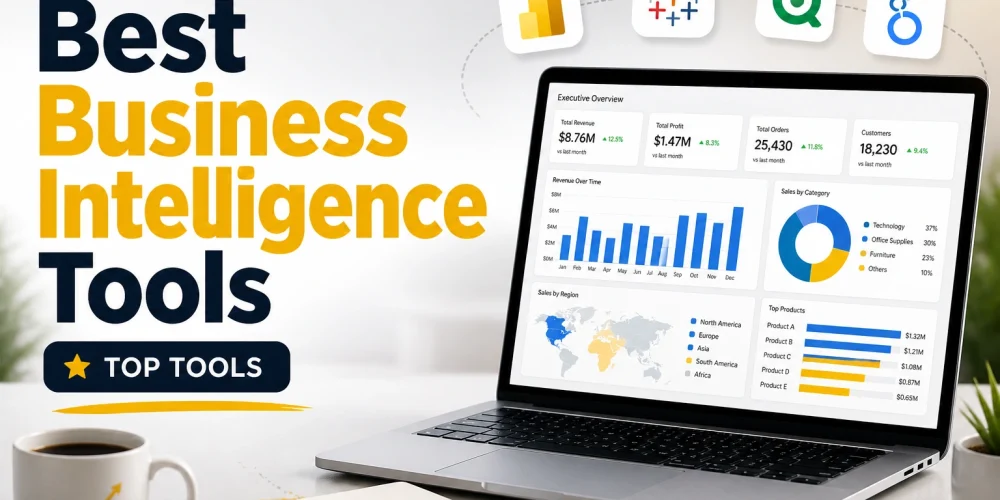
Data is everywhere, but data alone does not create value. What matters is how effectively a business can turn raw numbers into clear decisions. This is where business intelligence tools come in. They help organizations collect, process, and visualize data in a way that supports real action.
The challenge is not finding a BI tool. The market is full of options. The real challenge is choosing one that actually fits your workflow, your team, and your long-term goals. This blog takes a closer look at some of the leading BI tools and compares them in a way that helps you make a grounded decision.
Table of Contents
What Actually Makes a BI Tool Good
Before jumping into tools, it is important to understand what separates a useful platform from an average one.
A strong BI tool should:
- Connect easily with different data sources
- Present data through clear and interactive visuals
- Handle large datasets without slowing down
- Be usable by both technical and non-technical users
- Support deeper analysis when needed
- Maintain data security and consistency
These points sound simple, but very few tools balance all of them well.
Microsoft Power BI
Power BI has become a default choice for many organizations, and not without reason. It offers a strong mix of affordability, capability, and integration.
It works especially well if your business already uses Microsoft products. Excel users often find it easy to transition, and integration with Azure services makes it even more powerful.
What stands out is its balance. It does not try to be the most advanced in every area, but it performs well across most needs.
Still, there is a learning curve when it comes to DAX, which is required for more advanced calculations. Large datasets also need proper optimization to avoid performance issues.
Power BI is a strong fit for small to mid-sized businesses and teams that want a reliable tool without stretching their budget.
Read More: How to Learn Power BI from Scratch
Tableau

Tableau is often the first name that comes up when people talk about data visualization. It is built for people who want to explore data visually and present insights in a compelling way.
The interface feels natural. You can drag and drop elements and quickly build dashboards that look polished and professional.
Where Tableau shines is storytelling. It allows analysts to present insights in a way that decision-makers can easily understand.
The trade-off is cost. Tableau is not the most budget-friendly option. It also does not focus as much on deep data modeling compared to some competitors.
It works best for analysts, consultants, and teams that focus heavily on presenting insights rather than building complex data pipelines.
Qlik Sense
Qlik Sense takes a different approach. Its associative data model allows users to explore data freely instead of following a fixed query path.
This makes it very powerful for discovering hidden relationships in complex datasets. You are not locked into predefined filters. You can move through the data in a more flexible way.
That flexibility comes with a cost. The interface is not as beginner-friendly, and it takes time to fully understand how the system works.
Qlik Sense is best suited for organizations dealing with complex data structures where traditional tools feel restrictive.
Looker

Looker focuses on one key idea: consistency in data. It introduces a modeling layer using LookML, which helps teams define how data should be interpreted across the organization.
This reduces confusion and ensures that everyone is working with the same definitions and metrics.
It is a cloud-first platform, which makes it a strong choice for companies already operating in modern data environments.
The downside is technical complexity. You need knowledge of SQL and LookML to get the most out of it. It is also priced at a level that may not suit smaller teams.
Looker works best for organizations with dedicated data teams that prioritize governance and consistency.
SAP BusinessObjects
SAP BusinessObjects represents a more traditional approach to business intelligence. It has been used by large enterprises for years and is known for its strong reporting capabilities.
It integrates deeply with SAP systems, which makes it a logical choice for companies already using SAP infrastructure.
At the same time, the platform feels outdated compared to newer tools. The user experience is not as smooth, and innovation has been slower.
It remains relevant mainly in large organizations where stability and integration matter more than modern design.
Putting It All Together
Each of these tools solves the same problem in a slightly different way.
- Power BI focuses on balance and accessibility
- Tableau focuses on visualization and presentation
- Qlik Sense focuses on flexible data exploration
- Looker focuses on structured and consistent data modeling
- SAP BusinessObjects focuses on enterprise-level reporting
There is no single tool that dominates in every category. The right choice depends on what your business actually needs.
Read More: microsoft fabric vs power bi
So, Which One Is the Best Business Intelligent Tools?
If you are looking for a single answer, Power BI comes out ahead for most use cases. It offers strong features, reasonable pricing, and a smooth learning path. For many businesses, it delivers the highest value without unnecessary complexity.
That said, calling it the best in every situation would be misleading.
If your work depends heavily on visual storytelling, Tableau is a better fit. If your data is complex and requires deeper exploration, Qlik Sense has an edge. If your organization needs strict data governance at scale, Looker becomes a strong contender.
The better way to think about it is this: Power BI is the most practical choice for the majority, but not the perfect choice for everyone.
Final Thoughts
Choosing a BI tool is not just a technical decision. It affects how your team works with data every day. A tool that looks powerful on paper can slow you down if it does not match your workflow.
The smartest approach is to focus on alignment. Look at your team’s skill level, your data environment, and your business goals. Then choose the tool that fits naturally into that setup.
That is how BI tools create real value, not just dashboards.